
Before you start
Use a personal set that already contains a bag. For this example, put a Ruby token in your library and include a bag called Treasures in the set.
What you will make
A ruby can be acquired now, wait in a player's reserve and enter their bag next round.
- Shared supply
- Your reserve
- In the bag next round
Keep the starting bag separate from the supply
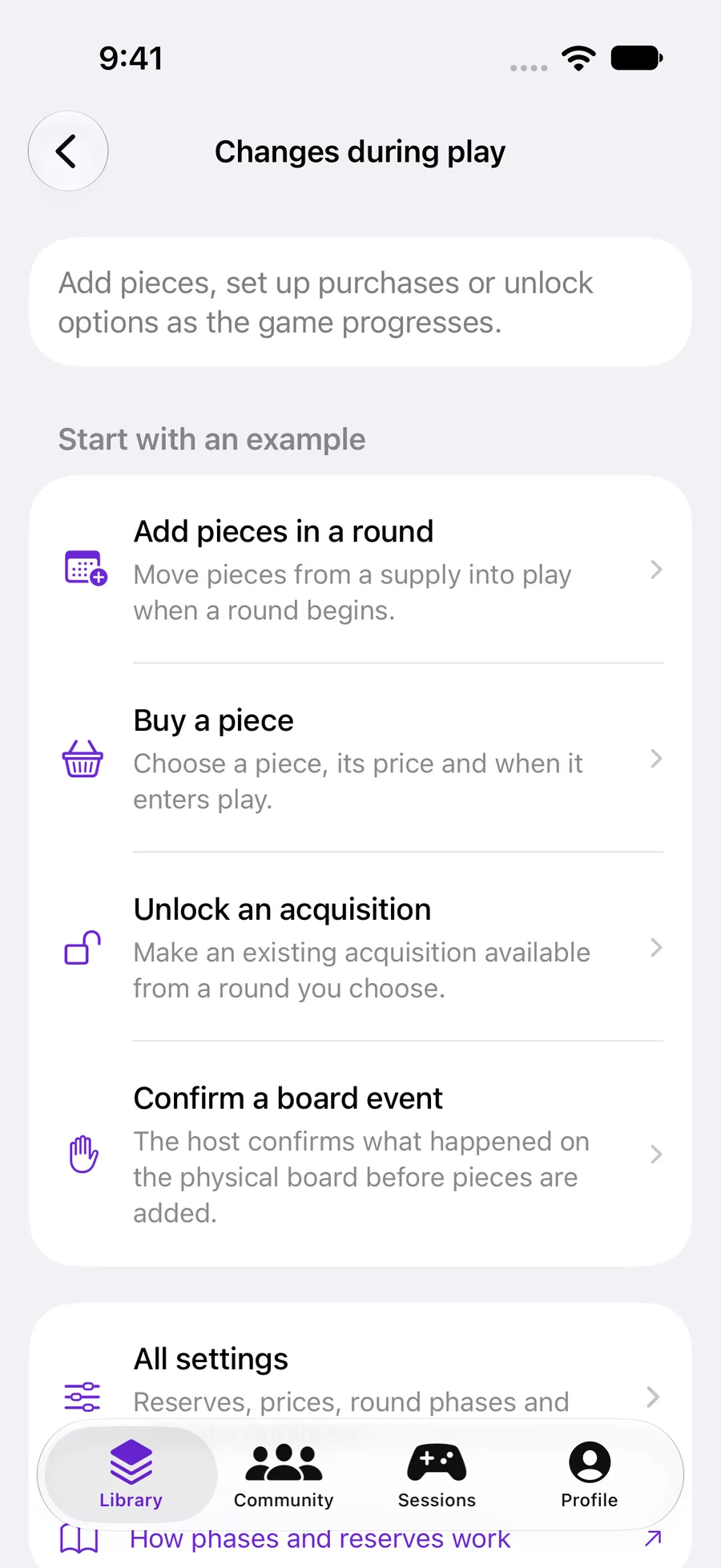
Open How to play → Changes during play. The examples cover adding pieces in a round, buying a piece, unlocking an acquisition and confirming a board event.
For the detailed reserve example in this guide, open All settings and enable it. In Supply, choose Component and add Ruby. Open its row and set the extra stock to ten.
The bag contains starting pieces. Supply is shared stock for later purchases and rewards. Leave Includes starting pieces off when the stock counts only extra pieces.
 Enlarge screenshot ↗︎
Define how a new piece enters
Tap Add acquisition and open the new row. Choose Ruby as the component and Treasures as its destination. Set Enters play to Next round.
Available from round controls when a player may acquire it. Enters play controls when an acquired piece becomes usable. They are separate: a piece available in round one can wait until round two to enter the bag.
For a first test, leave Resources as None and keep Confirm external purchase on. This asks the player to confirm a purchase resolved in their physical game. These are game actions, not real-money purchases.
Give the round a clear rhythm
Under Phase, keep a Play phase for rolling and drawing, then add a Buying phase. Open each phase to configure the actions it allows. Reorder phases with Edit.
Return to the Ruby acquisition and choose Buying under Phase to make it available only during that phase. A phase controls a part of the round; a turn sequence step controls the sequence of pieces being played.
Track a buying budget when you need it
If Rollnook should track the budget, add a resource with a name, initial value, maximum and reset behavior. For a test, call it Gold, start at 5 and set a maximum of 99.
Then select Gold in the acquisition and set its cost to 2. Choose whether the budget lasts for the whole game or resets each round or turn. Allow manual entry only when players need to enter a value calculated outside the app.
Watch the piece move through the game
Return to the overview and choose Try this setup. In the Buying phase, open Inventory and acquire a ruby. With Next round selected, it waits in Your reserve until the round advances.
Practice lets you test the transitions without changing saved games or starting quantities. Use Explore changes to advance rounds and inspect inventory, supply and triggered rules.
Next round continues the same game. New game starts over. Return to bag, Remove from play and physical-game rewards are separate actions you can allow.
YOUR TEST
Check it works.
With a Gold budget of 5 and a cost of 2, acquire one ruby. The budget should become 3, the shared stock should fall by one and the ruby should wait in reserve until the next round.
If something feels off
Add acquisition is disabled.
Add a component to Supply first. A token needs a bag destination in the set; a die needs a compatible dice destination.
The acquired token did not appear in the bag.
Check Enters play. Next round, Next turn and Next phase put the piece in reserve until that transition. Also check the destination bag.
Can I add a reward from my physical game without spending the budget?
Enable Allow physical-game rewards. Its Add from supply action consumes shared stock but does not spend buying value or count as a purchase.