
What you will make
A setup you have checked before bringing it to a real game.
Open a practice game
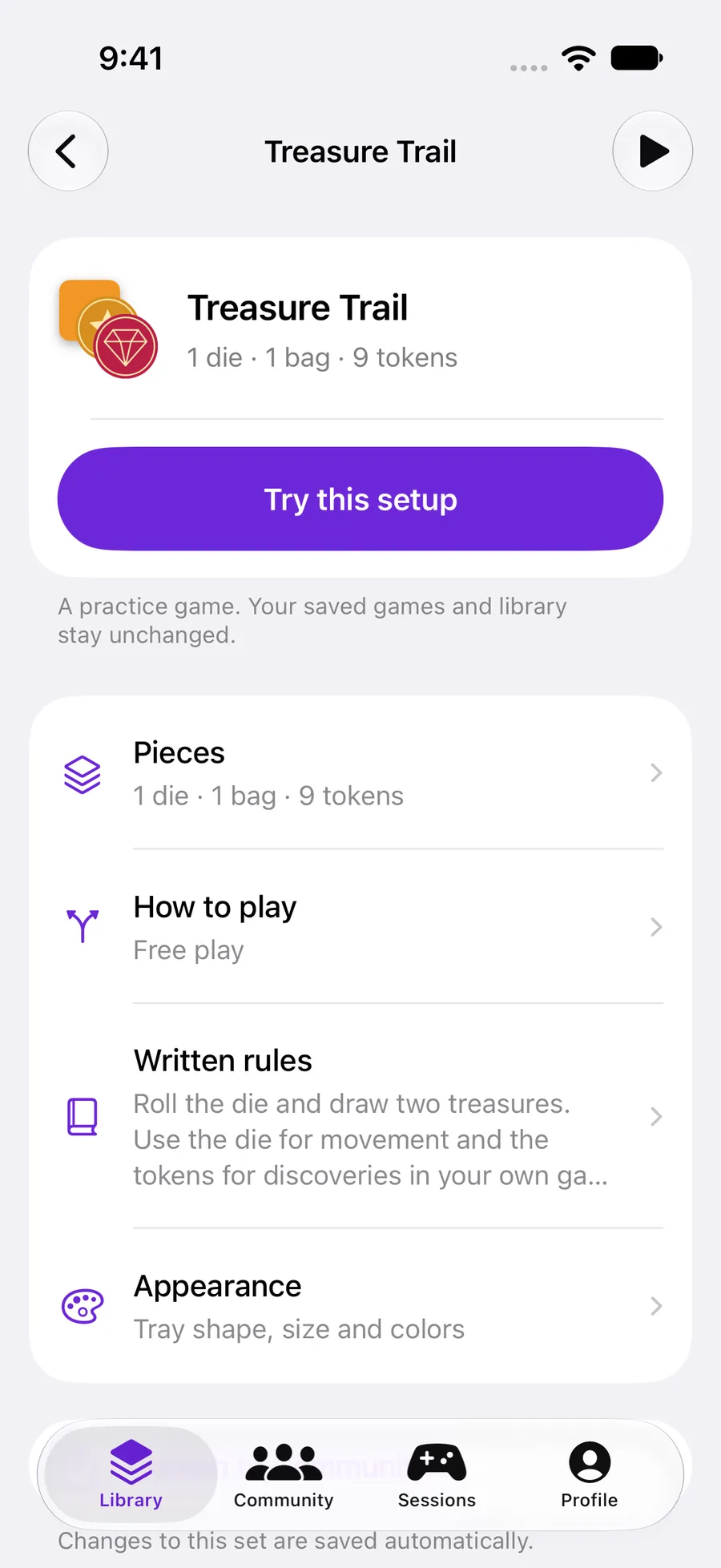
On the editor overview, tap Try this setup. Practice uses a copy of the pieces and settings you are editing, even before a new set has been saved.
 Enlarge screenshot ↗︎
Check one action at a time
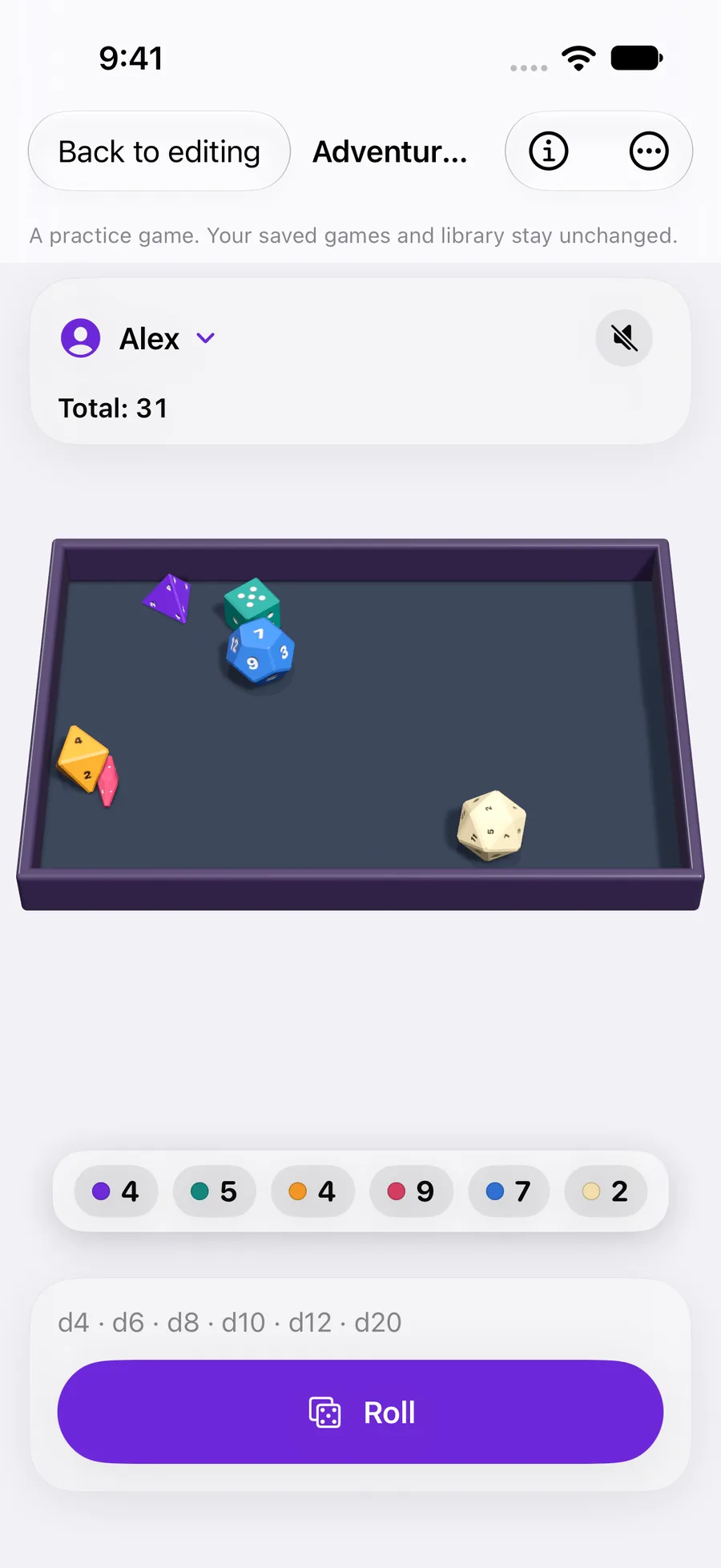
Roll dice, keep results and draw tokens as your setup allows. For a dice bag, draw first and roll afterward. Check what happens when the available pieces run out.
 Enlarge screenshot ↗︎
Explore configured changes
If the set has changes during play, open Explore changes. Advance one round at a time and inspect inventory, supply and triggered rules. A true condition still needs its trigger event.
Return, adjust and repeat
Tap Back to editing. Starting quantities, your library and saved games stay unchanged. Adjust the setup and try again. Save a new draft with Add when it is ready.
YOUR TEST
Check it works.
Draw a piece, return to editing and check that it is still in the starting contents. Open practice again: it starts fresh.
If something feels off
Does practice invite other players?
No. To play together, save the set and create a session from Sessions.
Does editing a set update an open game?
Saved games keep their starting configuration. Open a fresh practice to check a change and a new game to play it.